Mojito documentation
We suggest to consult first the Installation instructions, then browse the Getting started guide for a quick overview of how to download and use Mojito files.
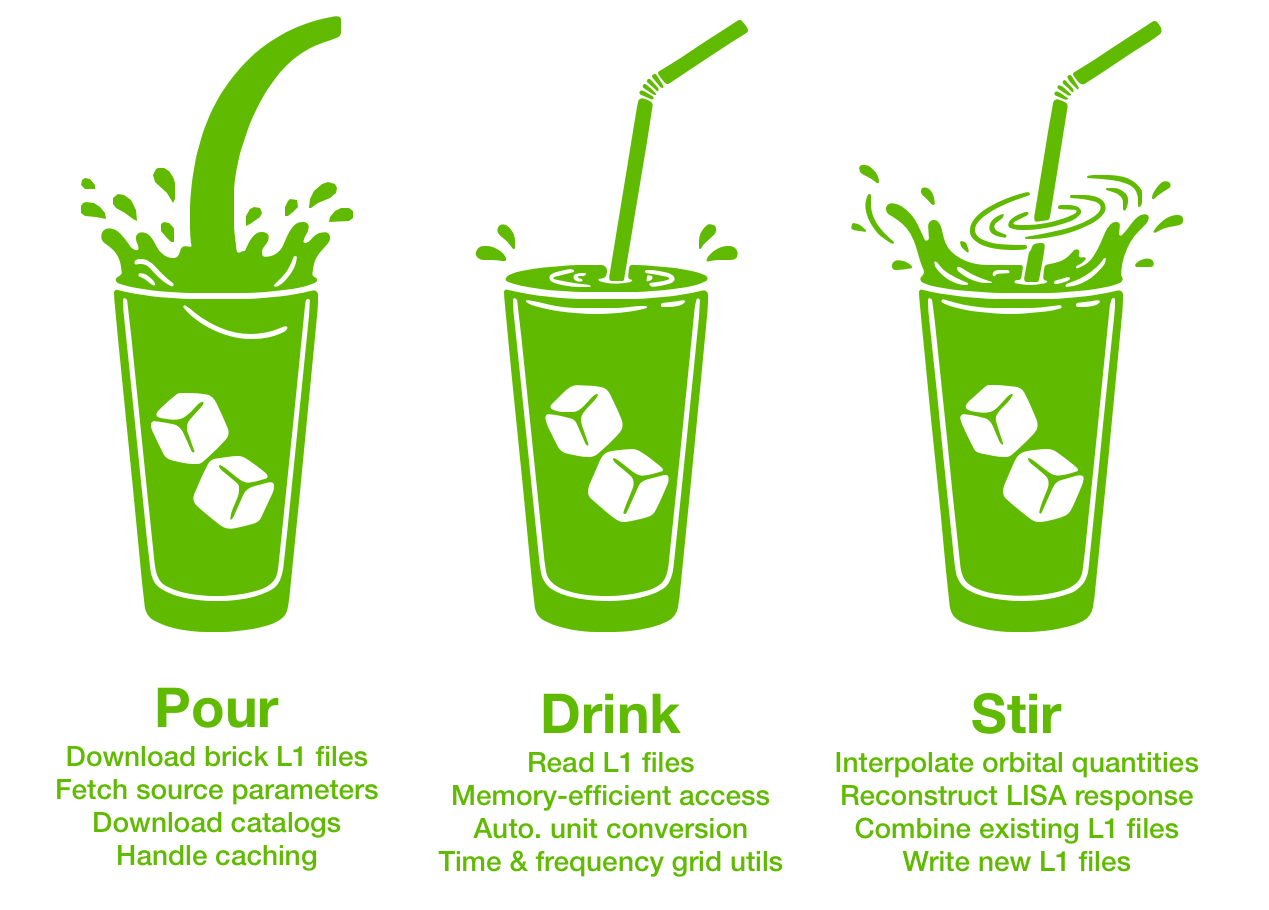
But first, to get you thirsty, here is a small code snippet showcasing what Mojito can do for you:
import numpy as np
from mojito.reader import MojitoL1File
from mojito.download import download_brick, get_source_params

# Download Mojito L1 brick files for the source and noise
signal_file = download_brick("mbhb", 12)
noise_file = download_brick("noise", version=1)

# Fetch source parameters from the catalog
source_params = get_source_params("mbhb", 12)

# Read the downloaded Mojito L1 files
with MojitoL1File([signal_file, noise_file]) as f:

   # Access the first 1000 samples of XYZ TDI observables (Doppler units)
   # Datasets are automatically combined across bricks
   xyz = f.tdis.xyz_doppler[:1000]              # shape (1000, 3)

   # Access the time grid for these samples
   times = f.tdis.time_sampling.t(slice(0, 1000))  # shape (1000,)

# Define (reception) time grid for response interpolation
t0 = 0.0
dt = 2.0
time_reception = t0 + dt * np.arange(1000, dtype=float)